
The power of Pi – How to get started?
Single-board computers (SBCs) like the pi, are compact, self-contained computing systems that integrate all essential components onto a single circuit board. These devices typically include a microprocessor, memory, input/output capabilities, and other features required for a functional computer.
What is a Raspberry PI?
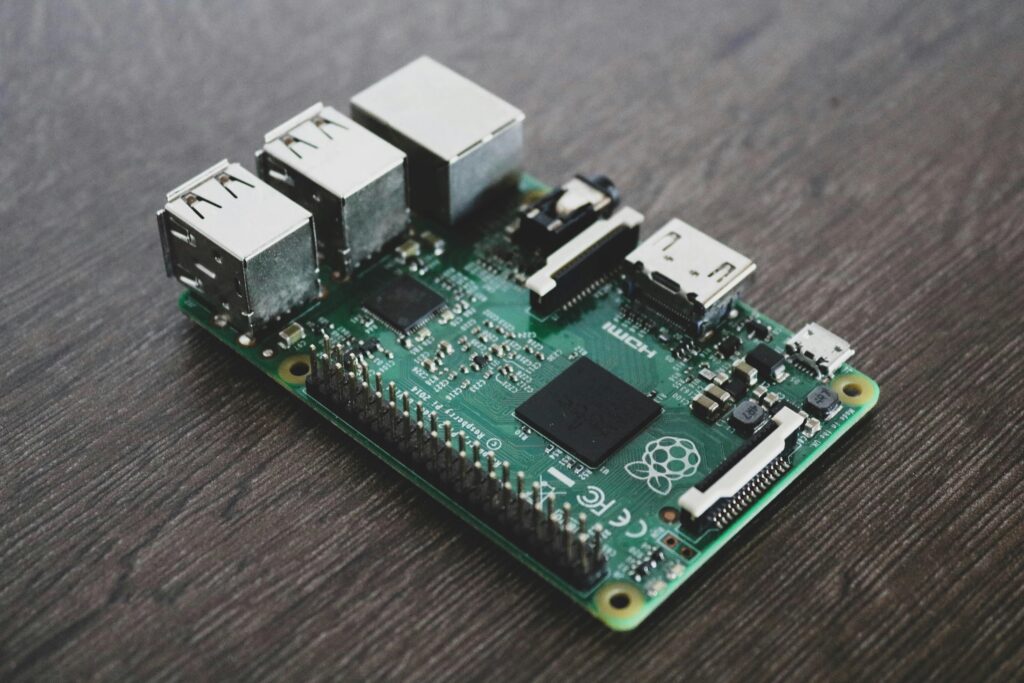
The Raspberry Pi and all its spin offs are powerful and versatile single-board computer that has gained immense popularity among hobbyists, educators, and professionals alike. With its impressive specifications and compact form factor, the Pi offers a wide range of possibilities for various applications. The Pi is available with different memory options, including 2GB, 4GB, and 8GB of LPDDR4 RAM, allowing for smooth multitasking and handling resource-intensive tasks. Its GPU performance has also been improved, enabling it to handle graphics-intensive applications and even 4K video playback. Additionally, the Pi offers a variety of connectivity options, including USB 3.0 ports, Gigabit Ethernet, dual-band Wi-Fi, Bluetooth 5.0, and micro HDMI ports, making it easy to connect peripherals and integrate with other devices.
Key Hardware Components
The CPU and the amount of RAM determine what you can and cannot do with your SBC, different models exist, and each of them have a different processor, the amount of RAM and connectivity (Wi-Fi and Bluetooth) specifications for your application. Depending on your project you might not need to most powerful model.
- Processing Power: Ensure the chosen SBC has sufficient performance for your needs.
- Storage: Some SBCs, like certain Banana Pi models, offer SATA interfaces for expanded storage options.
- Networking: Look for models with Gigabit Ethernet for faster network performance.
- Power Supply: Ensure a stable and appropriate power supply for 24/7 operation
- Operating System: Choose a suitable OS for your server needs, such as a Linux distribution optimized for SBCs.
Key Features and Advantages
Why we want to use a small single board computer…
- Compact Size: Their small form factor allows for easy integration into existing equipment and space-constrained applications
- Energy Efficiency: SBCs consume less power and generate less heat compared to conventional computers.
- Cost-Effectiveness: SBCs are generally less expensive than full-sized computers, making them accessible for various projects.
- Reliability: With fewer components that can fail, SBCs tend to be more reliable.
Applications
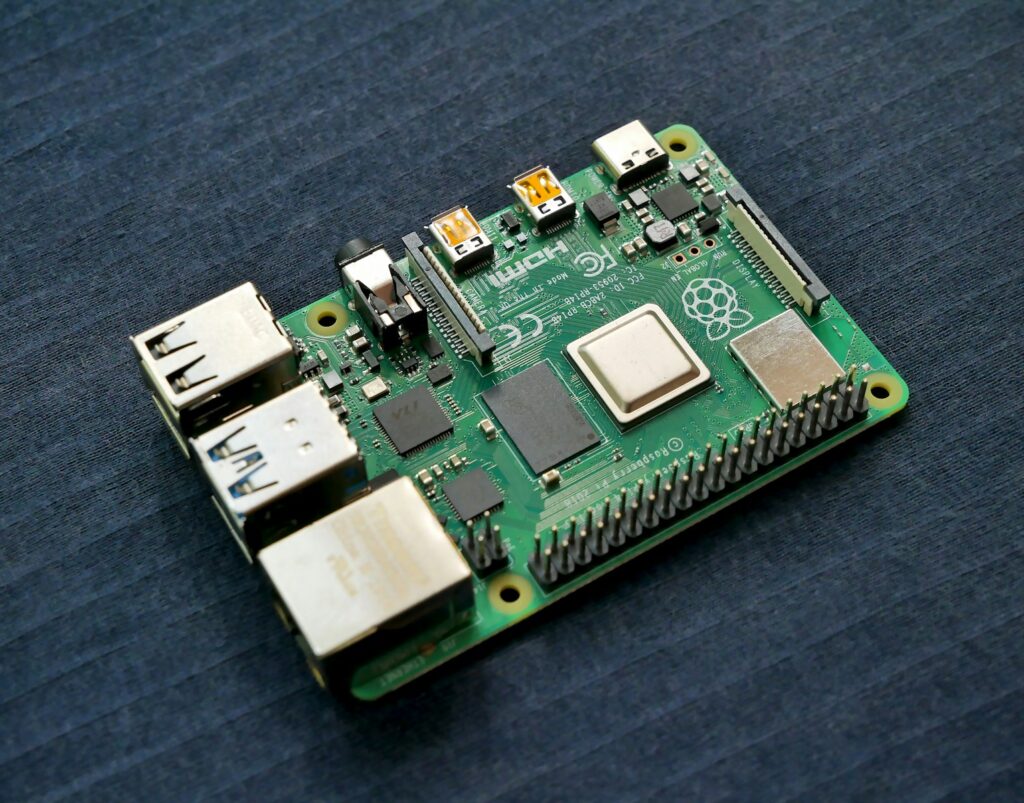
Thanks to its impressive capabilities and affordable price point at some point, the Raspberry Pi has found applications in various fields. It is widely used for educational purposes, providing a cost-effective solution for teaching programming, electronics, and robotics to students of all ages. The Pi’s GPIO (General Purpose Input/Output) pins allow for easy interfacing with sensors, motors, and other electronic components, making it an excellent platform for hands-on learning and prototyping. Beyond education, the Pi serves as a versatile media center, capable of streaming and playing high-definition content. Its small size and low power consumption make it ideal for embedded projects and Internet of Things (IoT) applications, where it can be used to build smart home systems, automation solutions, or even networked devices. With its vibrant community and extensive support, the Raspberry Pi continues to inspire innovation and empower individuals to turn their ideas into reality.
Below you will find a short list of where the Pi can be used.
- Embedded Systems: Used in industrial controllers, automotive systems, and consumer electronics.
- Internet of Things (IoT): Ideal for creating connected devices and smart home applications.
- Education: Widely used in classrooms for teaching programming, robotics, and electronics.
- Prototyping: Enables rapid development and testing of new ideas and products.
- Home Servers: Can be used as media servers, network-attached storage, or for home automation.
Popular SBC Brands
- Raspberry Pi: Known for its widespread adoption and extensive community support.
- Orange Pi: Offers a range of processors and is often slightly less expensive than some alternatives.
- Banana Pi: Typically uses Allwinner SoCs and may include features like SATA interfaces.
- Arduino: While primarily a microcontroller platform, it’s often used alongside SBCs in projects.
Main uses of the Raspberry PI
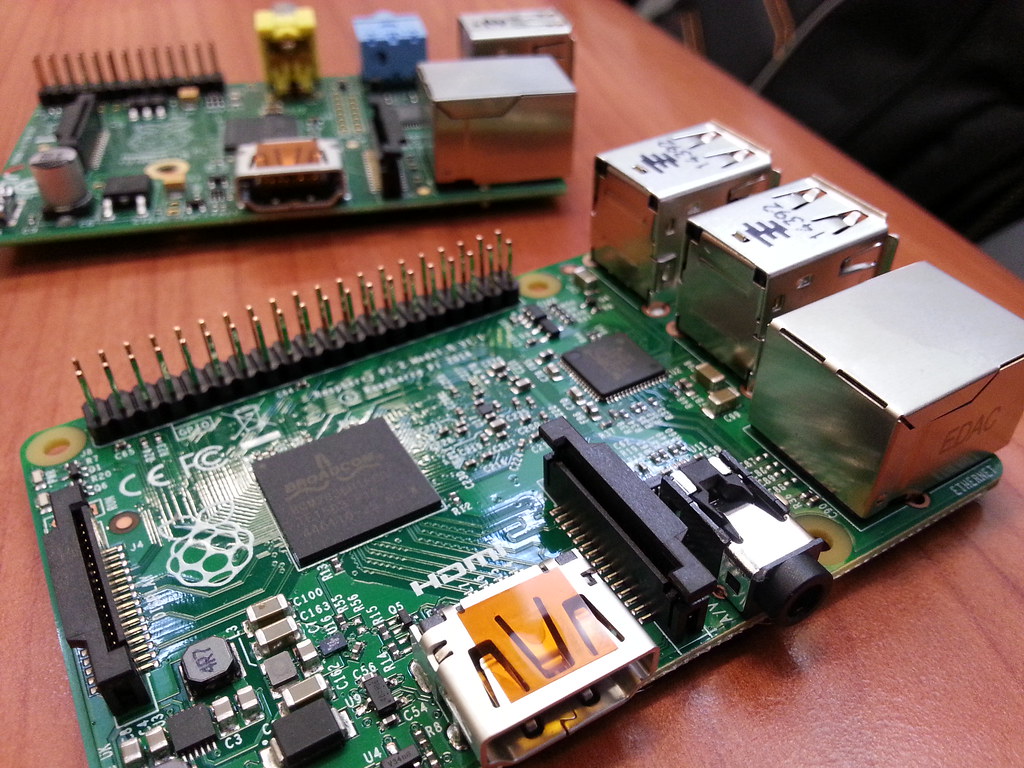
Using your Raspberry Pi as a server is a great way to explore the world of computer networking and gain practical experience in configuring and managing server software. Depending on your needs, you can use your Raspberry Pi as a web server, file server, media server or perhaps even a small game server. With your Raspberry Pi server up and running, you can experiment with different configurations, applications, and services to learn more about how servers work and how they can be used in various contexts.
While the Raspberry Pi can be utilized as a NAS (Network Attached Storage) system, it’s important to consider its limitations when it comes to performance. The Raspberry Pi, with its modest processing power and limited network throughput, may struggle to deliver the same level of performance as dedicated NAS devices. If you’re after a high-performance solution for data-intensive tasks or heavy network usage, it’s worth exploring dedicated NAS options that are specifically designed to handle these demands efficiently. However, if your storage needs are relatively modest and you prioritize the Raspberry Pi’s affordability and flexibility, it can still serve as a capable NAS solution for personal or small-scale home network usage. It’s worth noting that if you are running multiple services on your Pi NAS, too not overdo it. It’s advisable to host media files on the Raspberry Pi, and offset some services, allowing the Pi to focus on its strengths rather than pushing it to exceed its limitations.
Home Server Software
Selfhosted software that is highly recommended (Hosted and run in Docker, and in no particular order):