
Supercharge Your Raspberry Pi with Pi-Apps: The Ultimate App Store You Didn’t Know You Needed!
So, you’ve got your Raspberry Pi humming along, ready to tackle all sorts of cool projects. But let’s face it: sometimes, installing software on a Raspberry Pi can feel a little…clunky. Hunting down commands, wrestling with dependencies – not exactly the most fun way to spend an afternoon.
That’s where Pi-Apps swoops in to save the day! Think of it as your Raspberry Pi’s very own app store, packed with over 200 awesome applications just waiting to be installed with a single click. This free and open-source tool makes managing software on your Pi a total breeze.
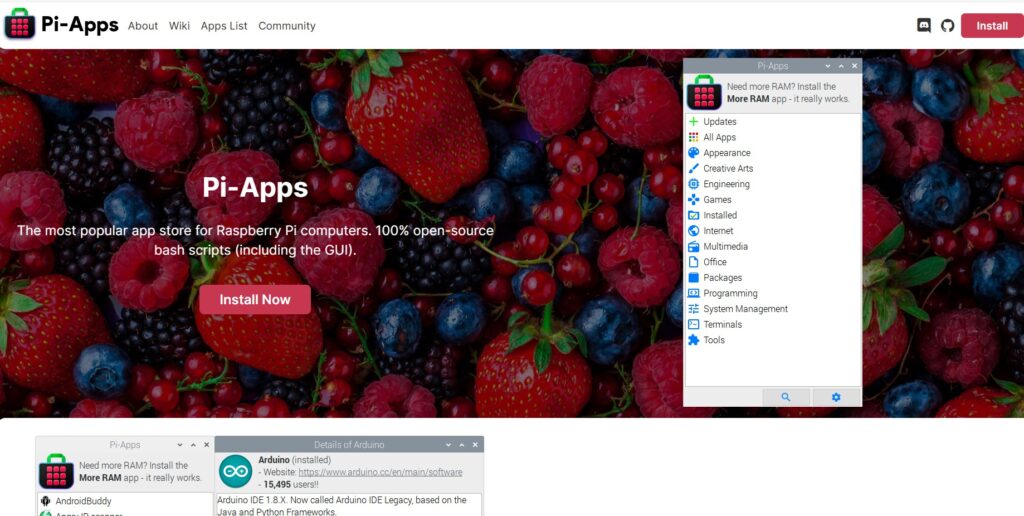
What is Pi-Apps?
Pi-Apps is essentially a graphical interface (GUI) that simplifies the process of installing and managing software on your Raspberry Pi. It’s like having a curated app store right at your fingertips. Whether you’re a beginner or a seasoned Pi enthusiast, Pi-Apps takes the headache out of software installation. It is a free and open-source application that provides an easy-to-use interface for installing and managing various software packages on your Raspberry Pi.
Why You’ll Love Pi-Apps:
Works on Multiple OS: It’s not just for Raspberry Pi OS! Pi-Apps supports other operating systems like Ubuntu for Raspberry Pi, making it a versatile tool for all your Raspberry Pi projects.If you are a user of the desktop environment, you can quickly install popular applications such as VLC media player, Chromium web browser, and LibreOffice productivity suite ect.
One-Click Installs: Say goodbye to complicated terminal commands! With Pi-Apps, installing your favorite software is as easy as clicking a button.
Massive App Selection: From media players like VLC to web browsers like Chromium and productivity suites like LibreOffice, Pi-Apps has a huge library of software to choose from. Whatever you need, chances are you’ll find it here.
Super User-Friendly: The intuitive interface makes Pi-Apps a joy to use, even if you’re new to the Raspberry Pi world.
Keeps Your Apps Updated: No more worrying about outdated software. Pi-Apps helps you stay on top of updates, ensuring your apps are always running smoothly.
How to Install Pi-Apps:
I have copied the command from their website below, but you can also look on their Github page here. To install run their script from a command terminal, sit back relax and have some coffee. Once installed you have access to a army of apps that you can experiment with. Getting Pi-Apps up and running is super easy. Just open up a terminal window on your Raspberry Pi and paste in the following command:
Command to install Pi-Apps
wget -qO- https://raw.githubusercontent.com/Botspot/pi-apps/master/install | bash
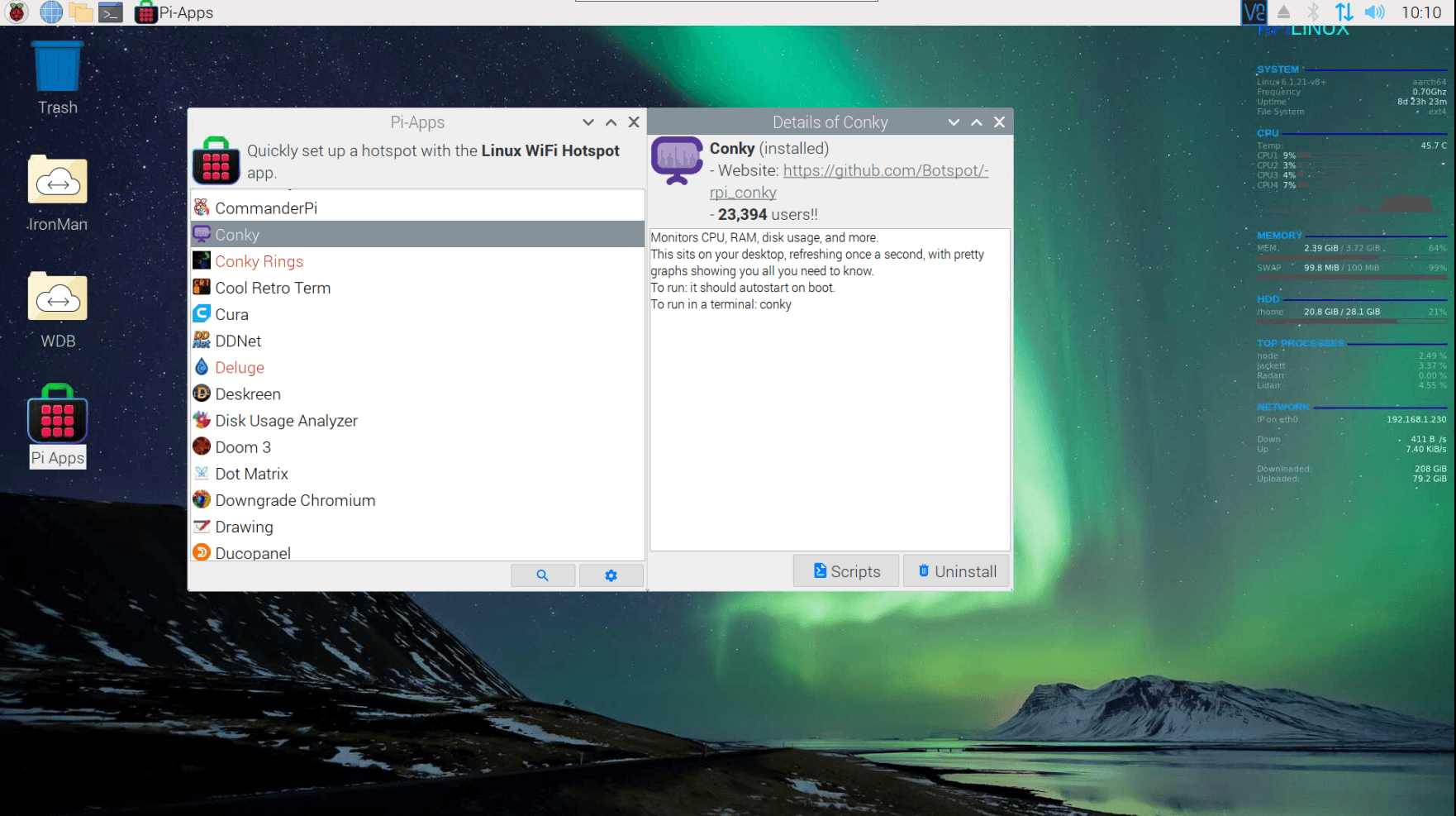
After the script completes the installation of PI-Apps a short cut on the desktop should appear, and you can run Pi-Apps. you should see an interface that is similar to one below.
Get Ready to Experiment!
Pi-Apps opens up a world of possibilities for your Raspberry Pi. Whether you’re building a media center, a retro gaming machine, or a home automation system, Pi-Apps makes it easier than ever to find and install the software you need. So, what are you waiting for? Give Pi-Apps a try and unleash the full potential of your Raspberry Pi!
There are a multitude of apps to choose from and can be overwhelming if you are not familiar with most of the Linux Apps out there. Pi-apps is the App store for Rasbian OS. You can view, install, and uninstall apps from the store. Update notifications notify you if there are updates to the apps every-time you open the Pi-Apps store for updates/
References
I have accessed the following URLs for this article:
- https://pi-apps.io/install-app/install-web-apps-on-raspberry-pi/1
- https://github.com/pi-apps/PiOS2
- https://pi-apps.io/install/3
- https://github.com/pi-apps/demo4
- https://pi-apps.io/about/5
- https://github.com/Botspot/pi-apps/blob/master/api6
- https://github.com/Botspot/pi-apps7
- https://github.com/pi-apps8
- https://pi-apps.io/install-app/install-web-apps-on-nintendo-switch/9