
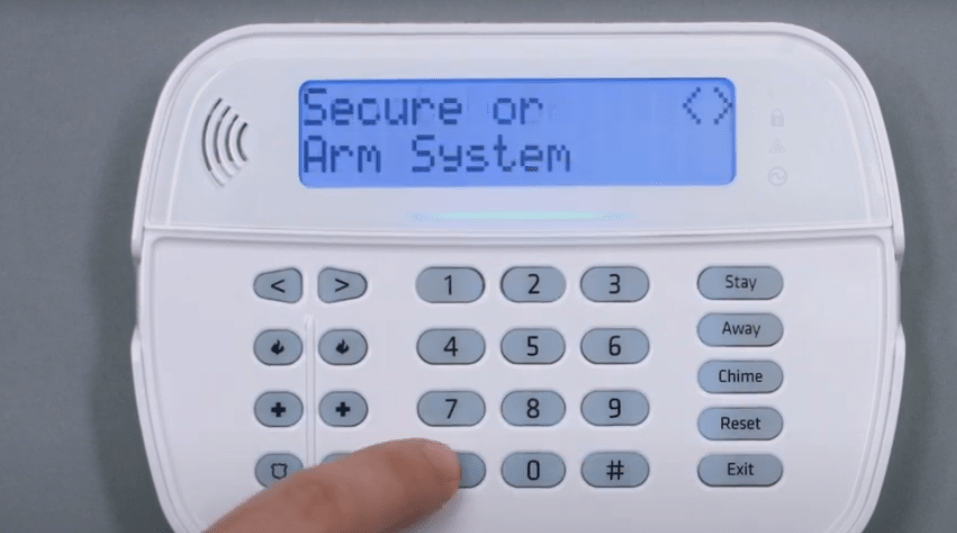
How to – Guides for Alarm Systems (Cheatsheet)
This guide is your go-to reference for keypad commands on various Intruder Detection Systems like DSC, Caddx, and Risco. We’ll keep adding more systems as needed. Here’s what you’ll find in this guide:
- How to bypass zones
- Troubleshooting issues
- Checking alarm memory
- Adding and managing user codes
- User commands, like setting the date and time
- Controlling outputs
- Programming the system
- Removing entry and exit timers
Bypassing Zones
Bypassing allows you to temporarily exclude certain zones from being monitored by the alarm system. This can be useful if you need to leave a window open or if a sensor is malfunctioning. The guide will walk you through the steps to bypass zones on different systems.
Troubleshooting Issues
Troubleshooting conditions help you identify and resolve common problems with your alarm system. This section covers error codes, system alerts, and how to address them to ensure your system is functioning correctly. You’ll learn how to interpret different signals and take appropriate actions to fix issues promptly.
Checking Alarm Memory
Alarm memory stores information about past alarms and events. This section explains how to access and interpret alarm memory, helping you understand what triggered an alarm and when it occurred. This can be crucial for identifying patterns or recurring issues that need attention.
Adding and Managing User Codes
User codes allow different individuals to arm and disarm the system. This section provides instructions on how to add, delete, and manage user codes, ensuring that only authorized users have access to your security system. You’ll also learn how to set different levels of access for various users.
User Commands
User commands cover a variety of everyday functions that you can perform on your alarm system. These include setting the date and time on the panels, arming and disarming the system, and more. This section provides a comprehensive list of user commands and detailed instructions on how to execute them. Whether you’re adjusting the system’s clock or changing its operational mode, these commands make it easy to manage your security system’s basic functions.
Output Control
Output control allows you to manage various devices connected to your alarm system, such as sirens, lights, and other peripherals. Here are the key commands you can use:
- Activate Output: Manually turn on a specific output. This is useful for testing or emergency situations.
- Deactivate Output: Turn off a previously activated output.
Removing Entry Exit Timers
Entry and exit timers determine how long you have to arm or disarm your alarm system when entering or leaving your property. Adjusting or removing these timers can enhance convenience without compromising security.
Keep in mind, programming and tweaking alarm systems without any form or preparation or training can cause false alarms or system glitches, which could compromise your security. If you decide to modify programming settings yourself, you do so at your own risk, and we are not responsible for any issues that may arise.