
Repairing CASAOS after the last update
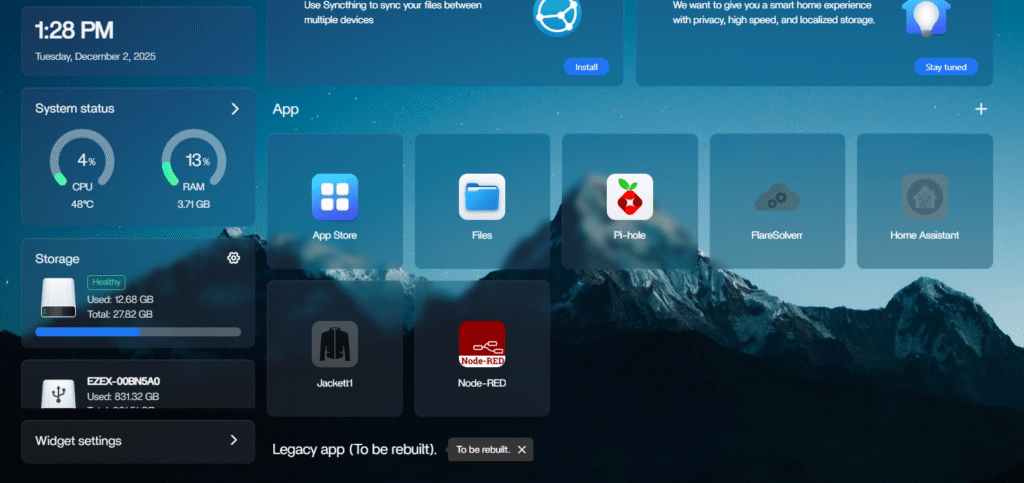
This issue, where your CasaOS dashboard shows apps as unavailable or gives an error while the Docker containers are still running and accessible, is a common problem often caused by a compatibility mismatch between the version of Docker Engine you are running and the internal Docker client version used by CasaOS’s management service.
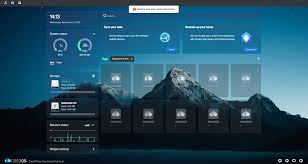
Specifically, recent Docker updates often raise the required Docker API version (e.g., from 1.43 to 1.44 or higher), and the older CasaOS component can no longer communicate with the newer Docker daemon, leading to the dashboard error.
The quickest and most reliable fix, which updates the CasaOS components including the internal Docker client, is to reinstall CasaOS using the official installer script via SSH. Your existing Docker containers and their data will remain intact.
Re-install CASAOS via SSH
- SSH into your server (e.g., using PuTTY or Terminal).
- Run the official CASAOS installation/update script. This will update the core CASAOS services, including the casaos-app-management service, to be compatible with your current Docker version.
curl -fsSL https://get.casaos.io | sudo bash
Note: You must run this command with sudo or as the root user. The script is designed to handle updates/reinstalls without wiping your existing app data. - Wait for the script to complete its process.
- Reboot your system to ensure all services restart cleanly:
- sudo reboot
After the system reboots, log back into your CasaOS web interface. Your apps should now be properly listed, and the “unavailable” error should be resolved.
If you have already updated CasaOS using the installer script (curl -fsSL https://get.casaos.io | sudo bash) and the apps are still not showing, then yes, a clean reboot is the next essential step to ensure all the services (especially Docker and the CasaOS backend) pick up the latest configurations and binaries.
- Reboot the System (The First Step)
It is highly recommended to perform a clean reboot via SSH:
sudo reboot / sudo reboot now - Wait a few minutes for the system to come back online, then try accessing your CasaOS dashboard again. This forces all system services to restart and should load the newly updated CasaOS components correctly. If the Reboot Doesn’t Fix It: The Docker API Conflict
- If the problem persists after the reboot, it strongly confirms the known issue: your Docker Engine version is too new for the version of the
casaos-app-managementservice you are running, despite the CasaOS update. - When Docker updates past a certain point (e.g., from v20.x to v23.x/v24.x/v29.x), the Docker API version it requires increases (e.g., from 1.43 to 1.44 or higher). The older CasaOS component can no longer communicate.
- The quickest workaround that doesn’t involve downgrading Docker is to tell the Docker daemon to accept older API calls.
- Here is the step-by-step fix via SSH:
Create the Docker Override Directory:
sudo mkdir -p /etc/systemd/system/docker.service.d - Create the Override Configuration File:
sudo nano /etc/systemd/system/docker.service.d/override.conf - Paste the following text into the file:
[Service]
Environment=DOCKER_MIN_API_VERSION=1.24 - Save the file and exit the editor, then Reload the system daemon and restart Docker
sudo systemctl daemon-reload
sudo systemctl restart docker
This command forces Docker to accept the older API calls that CasaOS is still using. - Restart the CasaOS App Management Service (Optional, but recommended):
sudo systemctl restart casaos-app-management
After these steps, your apps should immediately begin loading in the CasaOS dashboard, as the API communication will now be successful.
https://www.youtube.com/watch?v=4KsY9Gp1bvQ